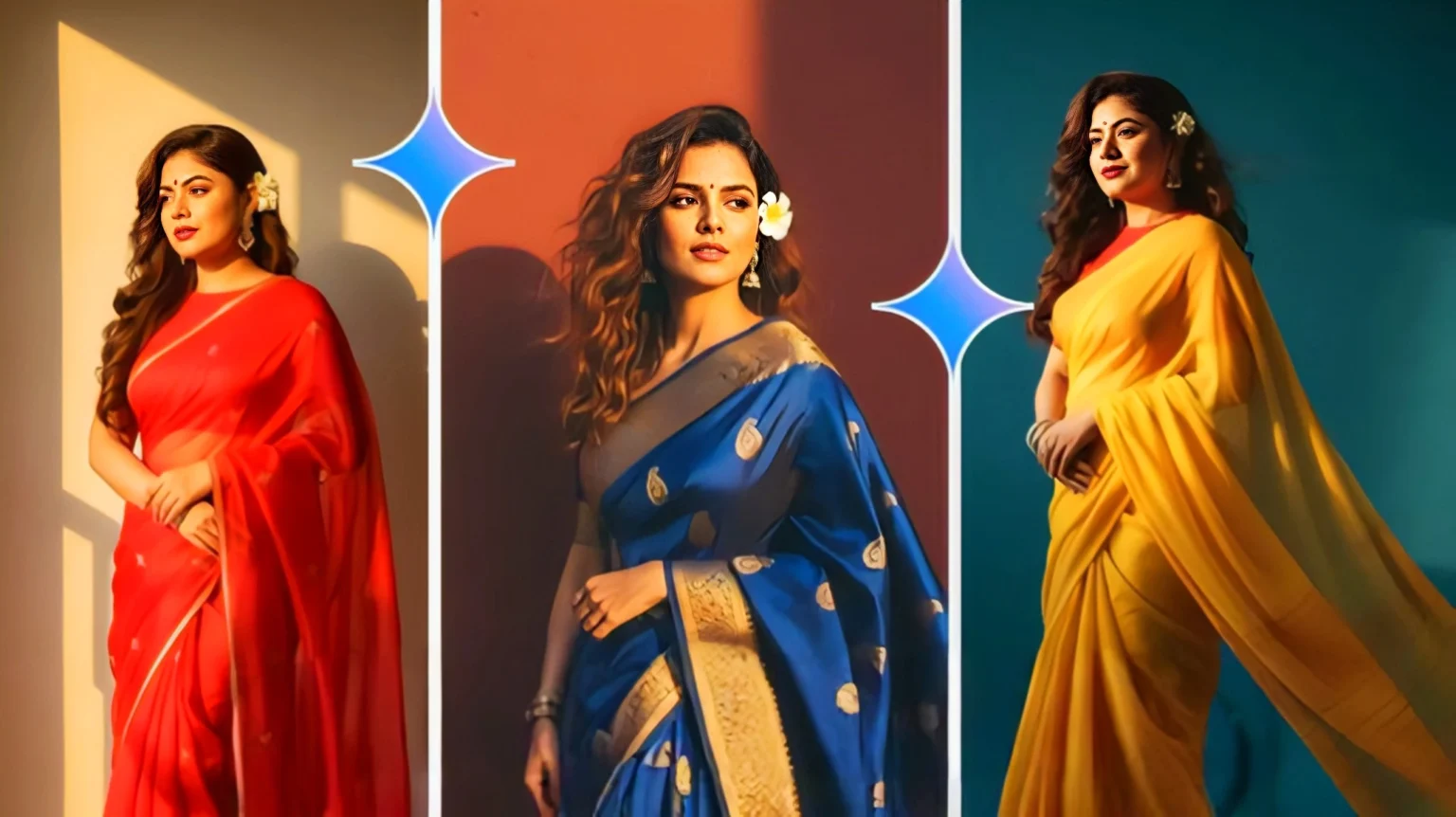
In today’s social media era, everyone wants their pictures to look unique and cinematic. The new Gemini AI Photo Editor Prompt: Create Saree Pics That Look Straight Out of Bollywood is becoming a viral trend. With just one simple AI prompt, users can transform their normal photo into a glamorous Bollywood-style saree look. This trend is catching fire on Instagram, YouTube Shorts, and Facebook, where people are experimenting with traditional yet stylish AI saree edits.
What Makes Bollywood Saree Pics So Special
Saree is not just a dress; it’s an emotion deeply connected with Indian culture. Now, when combined with Gemini AI, saree photos look more cinematic than ever. The Bollywood-style touch makes every picture look like a movie still, giving creators, influencers, and even normal users a chance to go viral instantly.
Highlights of Saree Pics with Gemini AI
- Ultra-realistic Bollywood look
- Elegant traditional styling with a modern touch
- Perfect lighting and background effects
- Easy to create, no editing skills required
Step by Step: How to Use Gemini AI Saree Prompt
If you want to create saree pics that look straight out of a Bollywood movie, follow these simple steps:
Steps to Create Saree Photos
- Open Gemini AI photo editor on your phone or desktop.
- Upload your original photo with a clear face and body.
- Use the given Gemini AI Photo Editor Prompt: Create Saree Pics That Look Straight Out of Bollywood.
- Select the saree style, jewelry, and background as per your choice.
- Within seconds, Gemini AI will generate a Bollywood-style saree look.
- Download and share your AI saree photo on social media.
Best Gemini AI Saree Prompt Example
Here’s a sample prompt you can directly copy-paste into Gemini AI for stunning results:
Full body portrait of a beautiful Indian woman wearing a glamorous Bollywood-style saree, rich silk fabric with golden embroidery, sparkling jewelry set (necklace, bangles, earrings), soft glowing cinematic lighting, background like a Bollywood movie set with colorful drapes and fairy lights, natural facial expressions, ultra realistic, 8k quality, vibrant colors, elegant pose, looks straight out of a Bollywood film photoshoot
Comparison: Normal Saree Photos vs Gemini AI Saree Photos
| Feature | Normal Saree Pics | Gemini AI Saree Pics |
|---|---|---|
| Look & Feel | Simple and natural | Cinematic Bollywood style |
| Editing Time | Needs photographer & setup | Just seconds with AI |
| Quality | Limited by camera | Ultra HD and vibrant |
| Viral Potential | Less | Very high |
Tips to Make Saree Pics Viral
If you want your Gemini AI saree photos to reach maximum people, follow these simple hacks:
- Always use high-quality input photos
- Try Bollywood-inspired backgrounds with fairy lights and glamour
- Add trending hashtags like #GeminiAI, #SareeLook, #BollywoodStyle
- Share your edits on Instagram Reels and YouTube Shorts for more engagement
Google Gemini AI Photo Prompt: Create Stunning Images with Ease and Get Unmatched Results
Conclusion
The Gemini AI Photo Editor Prompt: Create Saree Pics That Look Straight Out of Bollywood is not just a trend but a creative revolution. With just one click, anyone can look like a Bollywood star in a saree. Whether you are a content creator or someone who just wants a stunning profile picture, this prompt is your ticket to viral fame. Saree, AI, and Bollywood together are setting new standards in digital creativity, and this is only the beginning.